Tailwind CSS vs Bootstrap: Which Should You Choose?
Utility-first vs component framework — a practical, side-by-side look at how Tailwind CSS and Bootstrap differ, and which one actually fits your next project.

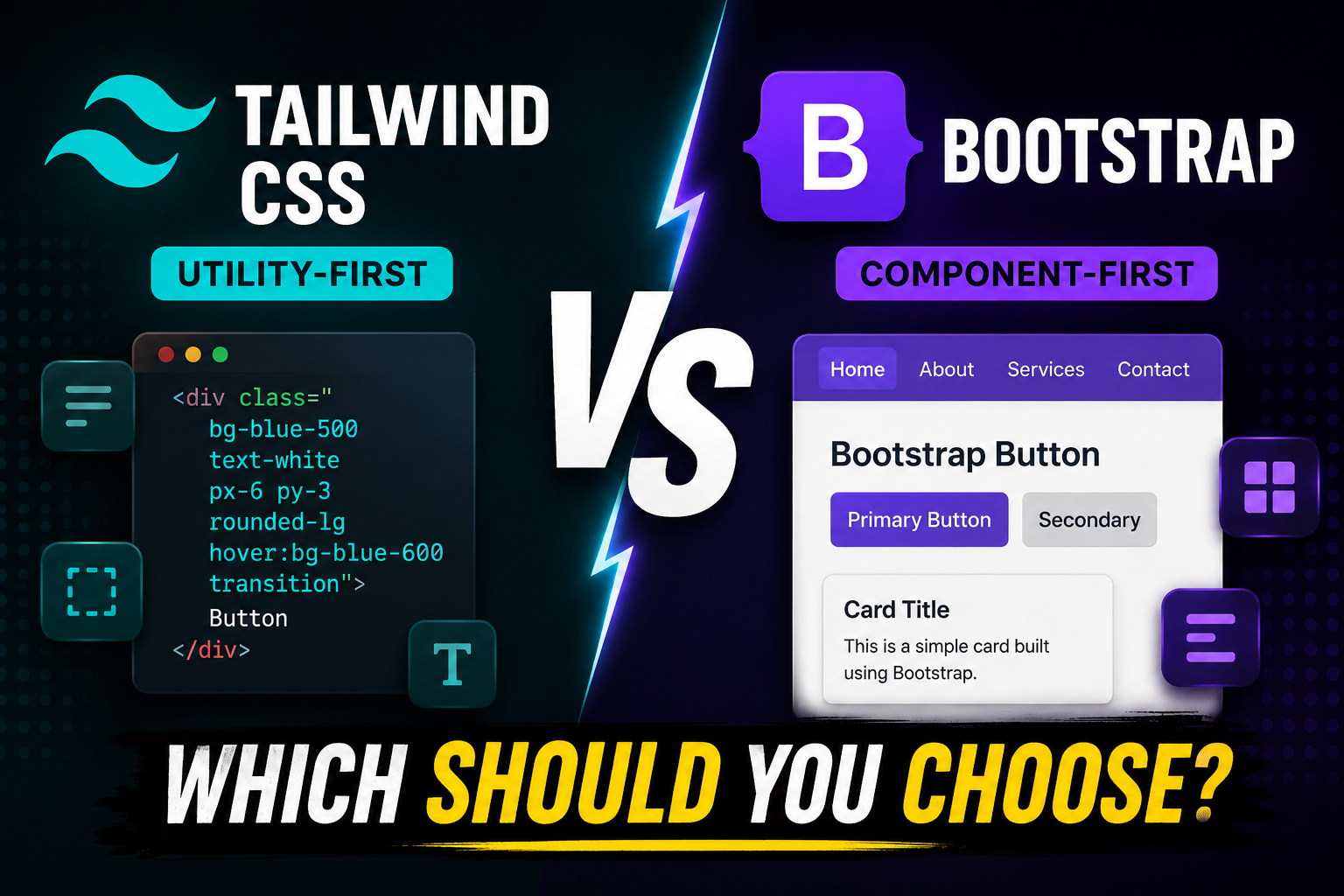
Both Tailwind CSS and Bootstrap promise to make styling faster — but they take opposite approaches to get there. I've shipped production apps with both, so here's an honest, side-by-side breakdown to help you pick the right one.
The core difference: utility-first vs component-first
Bootstrap is a component framework. It ships ready-made components — buttons, cards, navbars, modals — that you drop in with a class name. You get a polished look out of the box.
Tailwind CSS is a utility-first framework. It gives you tiny, single-purpose classes (flex, pt-4, text-center) that you compose to build any design. There are no pre-built components — you assemble them yourself.
The same button tells the whole story:
<!-- Bootstrap: a named component -->
<button class="btn btn-primary">Save</button>

<!-- Tailwind: composed from utilities -->
<button class="px-4 py-2 bg-blue-600 text-white rounded-lg hover:bg-blue-700">
  Save
</button>
1. Speed vs control
Bootstrap is faster to start with — one class and you have a styled button. Tailwind is faster to customize — you're never fighting opinionated defaults or writing !important overrides to escape them.
If you've ever spent an afternoon trying to make a Bootstrap card look "not like Bootstrap," you already understand Tailwind's appeal.
2. Bundle size & performance
This one's decisive. Tailwind scans your files and strips every class you don't use, so production CSS is often under 10 KB. Bootstrap ships its full stylesheet unless you manually customize the build.
# Tailwind's production CSS after purging unused classes
~8-10 KB

# Bootstrap's default bundle
~25 KB+ (plus its JS for interactive components)
3. Design freedom
Bootstrap sites tend to look like Bootstrap — recognizable buttons, spacing, and that familiar blue. That's fine for dashboards and internal tools where consistency beats originality.
Tailwind imposes no visual identity. Your design system lives in tailwind.config.js, so two Tailwind sites can look nothing alike. For a unique brand or portfolio, that freedom matters.
4. The learning curve
Bootstrap is easier on day one — memorize a few component classes and you're productive. Tailwind feels verbose at first ("why is my HTML full of classes?"), but once the utility names click, you stop context-switching between your HTML and CSS files entirely.
Tip: pair Tailwind with its IntelliSense extension and extract repeated markup into components (or use @apply and tailwind-merge) to keep things clean.
When to choose which
Reach for Bootstrap when:
- You need a prototype or admin panel today
- Your team isn't comfortable hand-building UI
- A consistent, conventional look is acceptable
Reach for Tailwind when:
- You want a custom, on-brand design
- Performance and small bundles matter
- You're building with a component framework like React or Next.js
The verdict
There's no universal winner — but the industry has clearly shifted toward utility-first. Bootstrap is still a great choice for quick, conventional UIs, while Tailwind wins for custom designs, performance, and modern component-based apps.
My rule of thumb: Bootstrap to ship something fast, Tailwind to build something that's yours. For nearly every project I start today, that's Tailwind.